
Units, preventive maintenance, mechanical inspections, work orders, parts, fuel and fuel cards, renewals, IFTA, GPS odometers, mechanics’ time clock and full accounting. You know what every vehicle costs, what is due this week and what is keeping the fleet off the road. One platform, in English and French, in the browser.
The demo opens on Transport Boréal: 26 units on 3 sites, 21 employees, 18 months of maintenance, fuel and repairs. It lives on its own — watch the fill-ups come in and the drivers do their pre-trip inspections.
The meter entered at the pump triggers the service, the service becomes a work order, the work order uses the parts and the hours, and the costs land on the right unit and in the books.
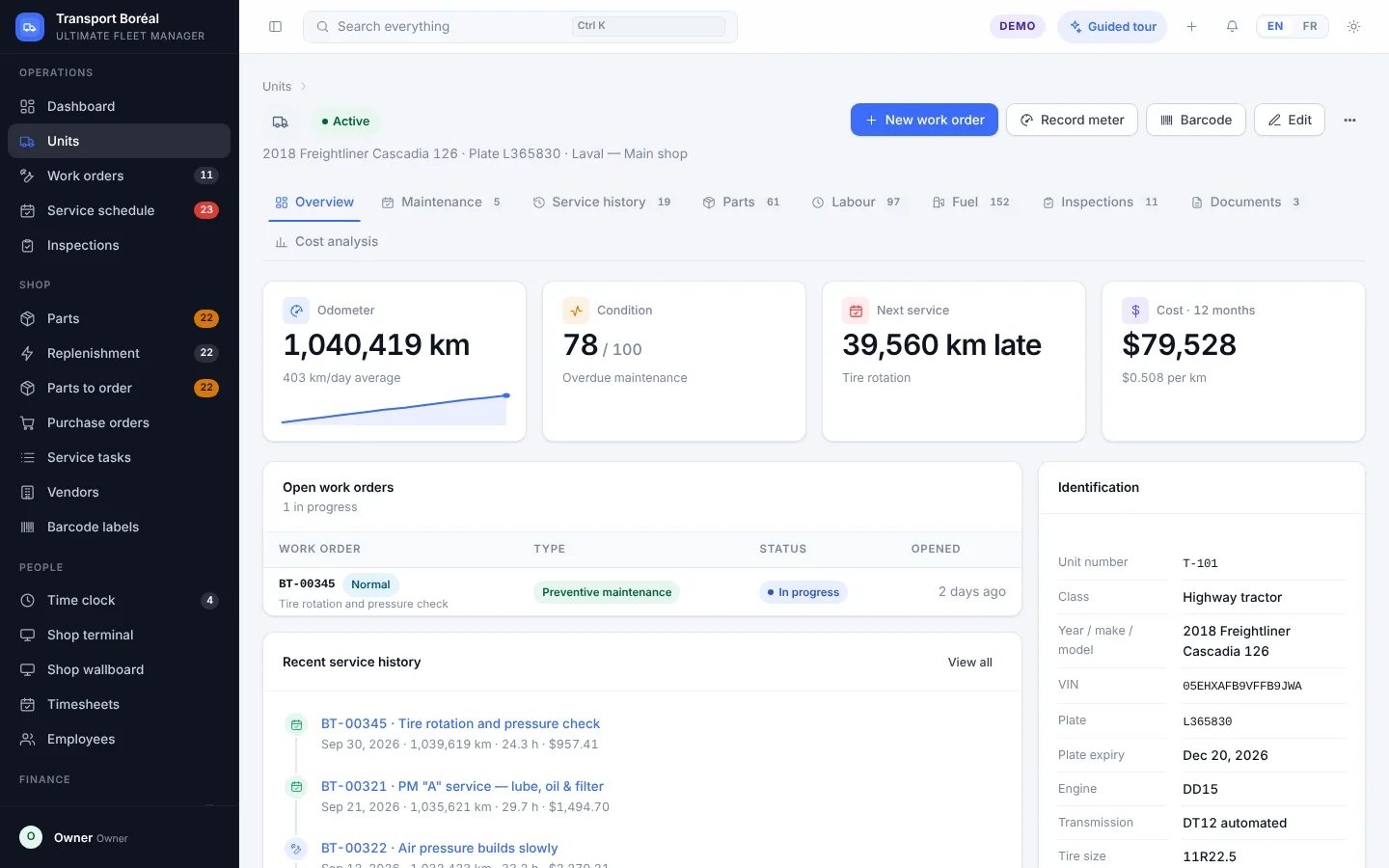
Everything that touches a vehicle is in one place: meters, documents, maintenance history, parts and labour, fuel, inspections and cost analysis.
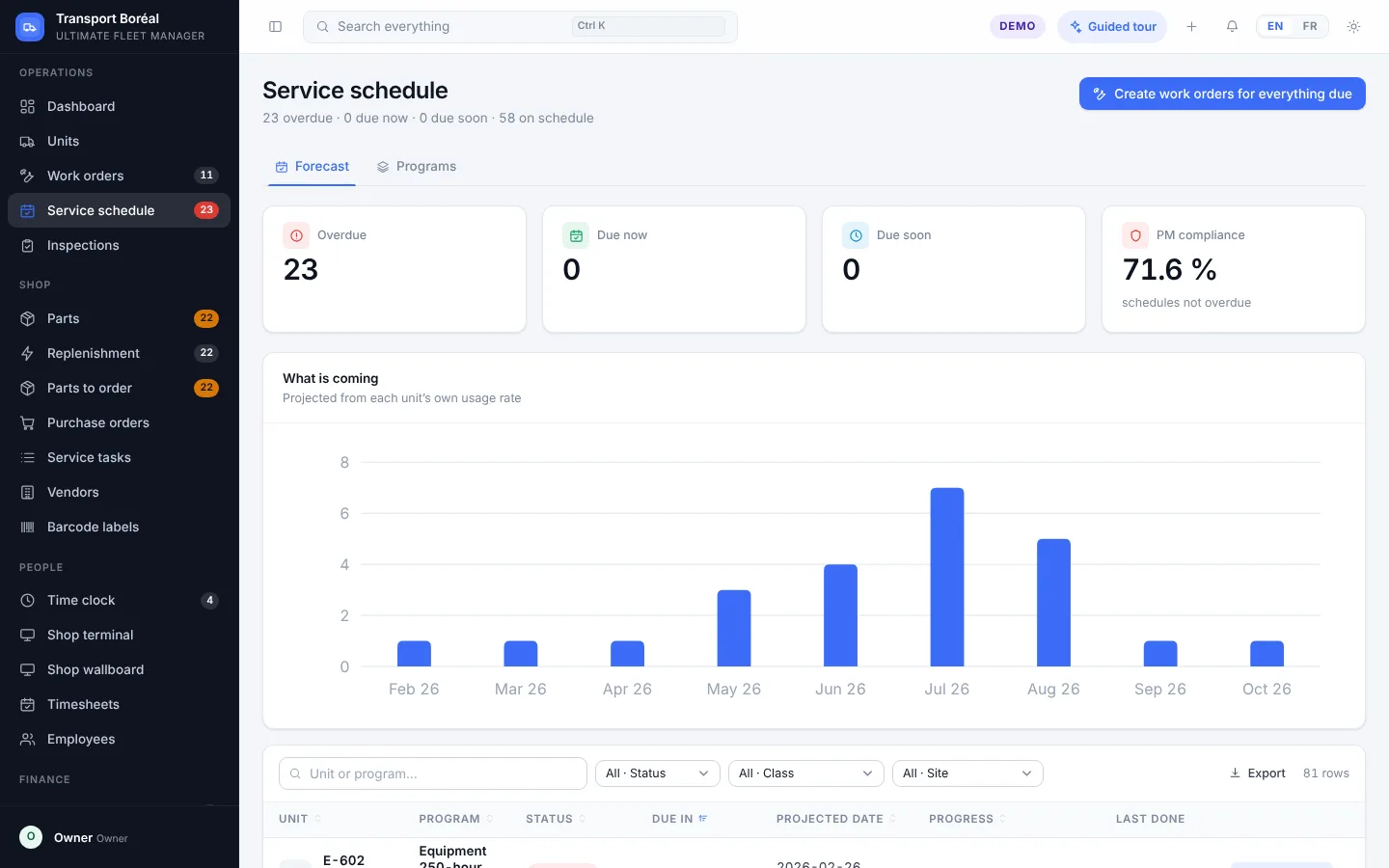
Programs by kilometres, hours or calendar. The forecast follows each unit’s real pace, and one click opens the work orders for everything that is due.
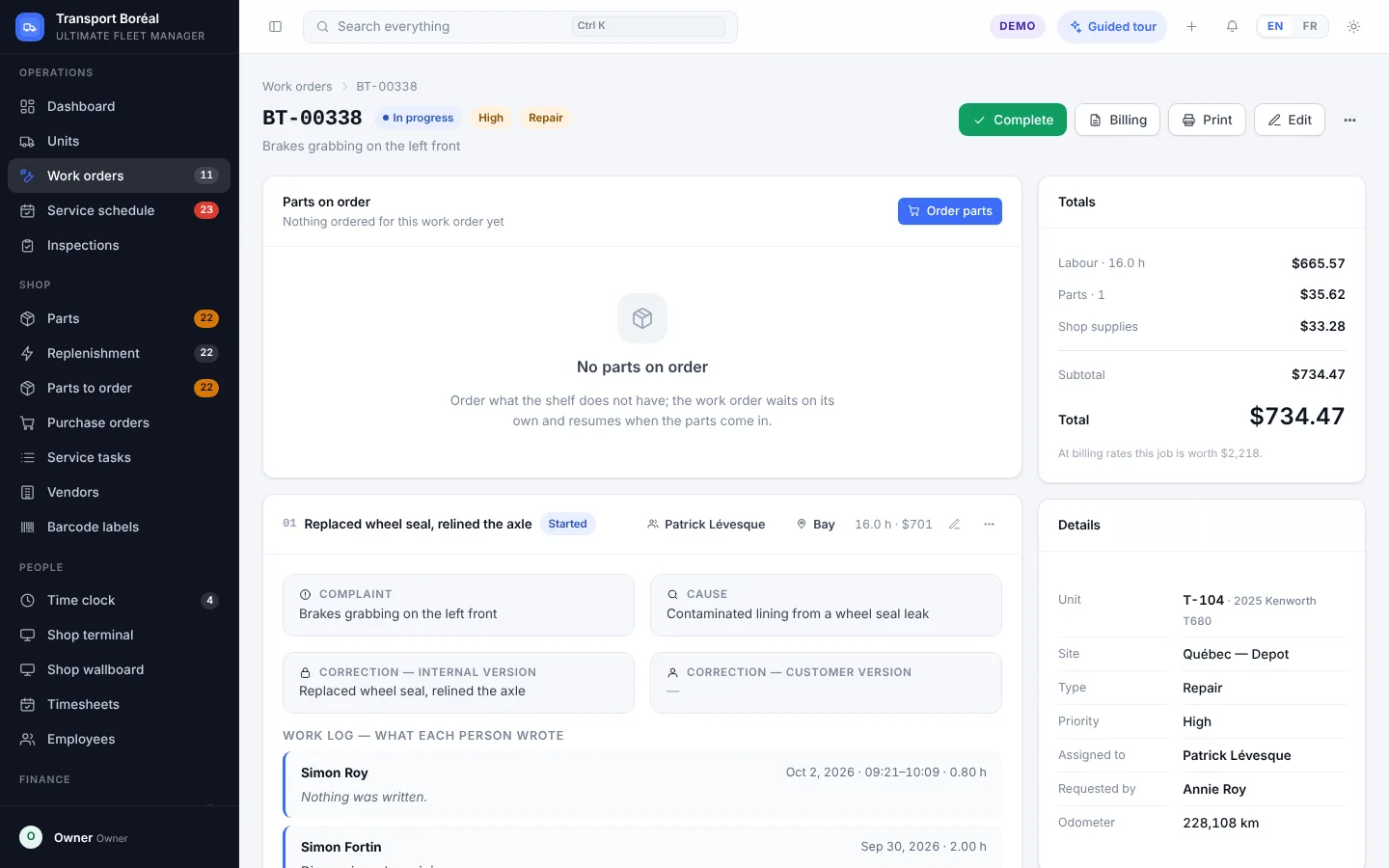
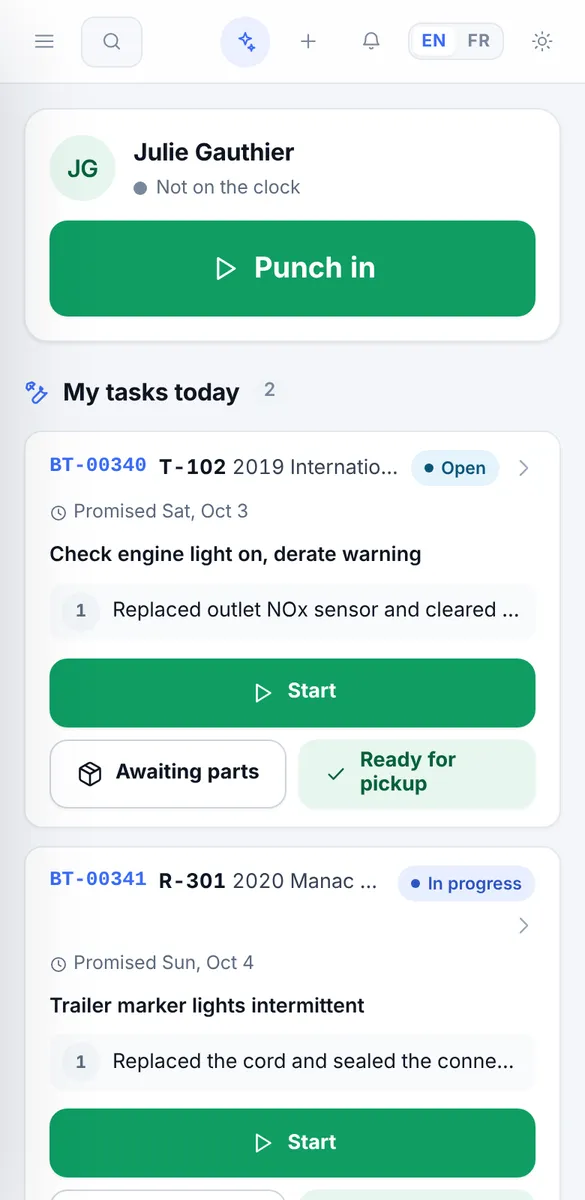
Complaint, cause, correction: every task is documented. The mechanics punch onto the work order, the parts come out of stock, and the total adds itself up.
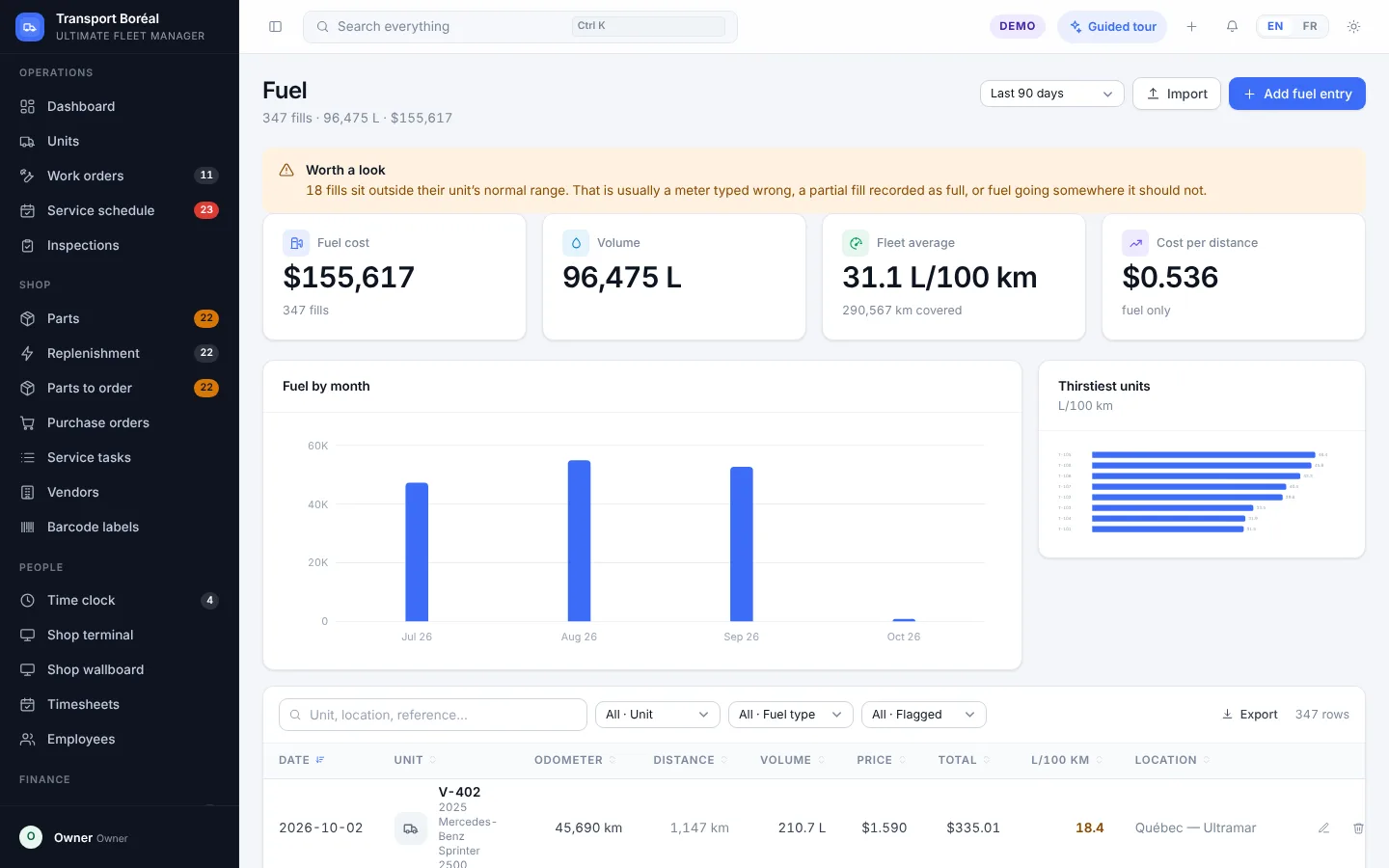
Fill-ups are imported from the fuel cards or entered by hand. The system spots the ones outside a unit’s normal range: a meter typed wrong, a partial fill, or fuel taking another road.
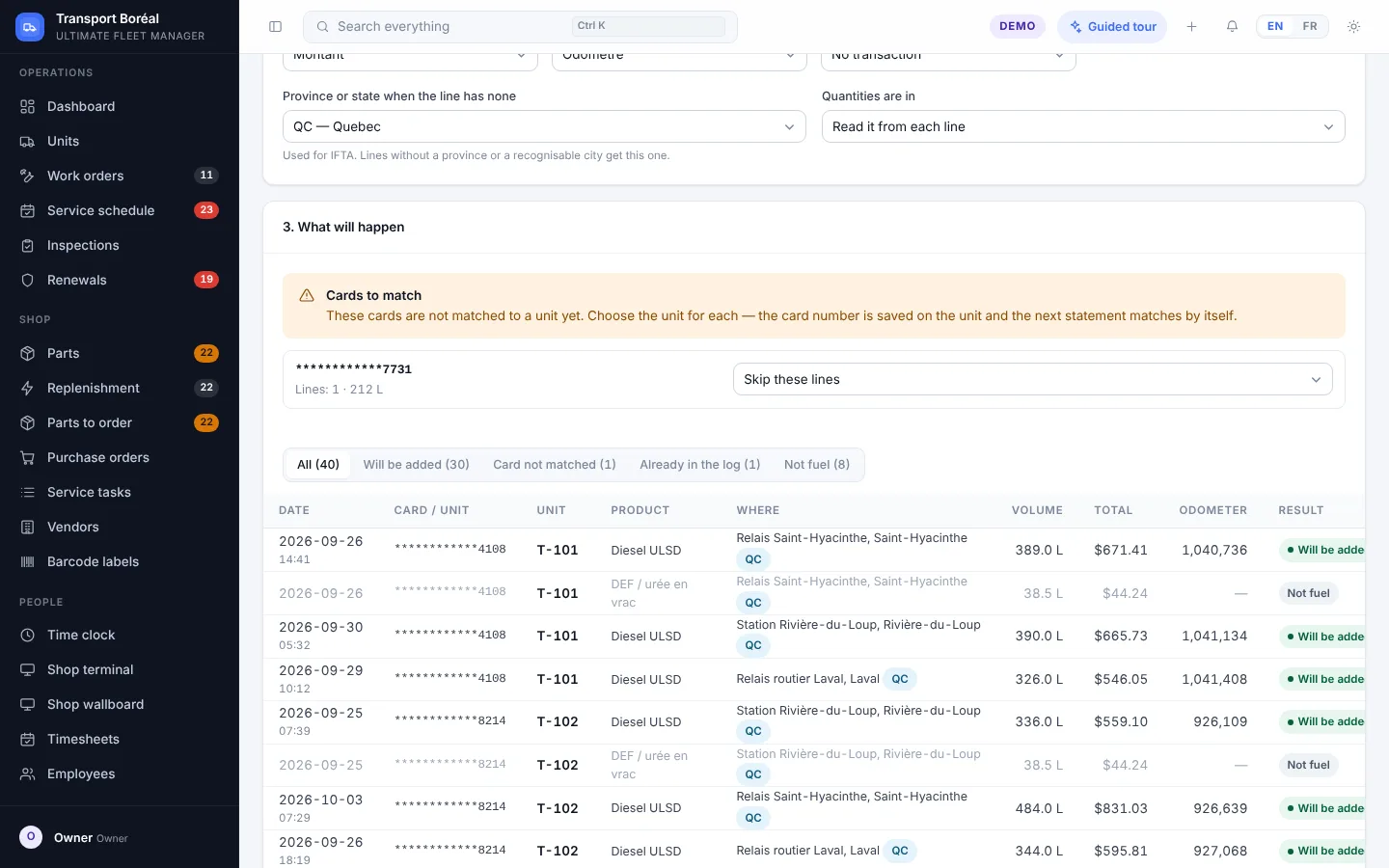
Drop the Excel or CSV file from Petro-Pass, Ultramar, Esso or any other provider: the columns are recognised, every line is matched to its truck by card number, and duplicates, washer fluid and DEF are set aside.
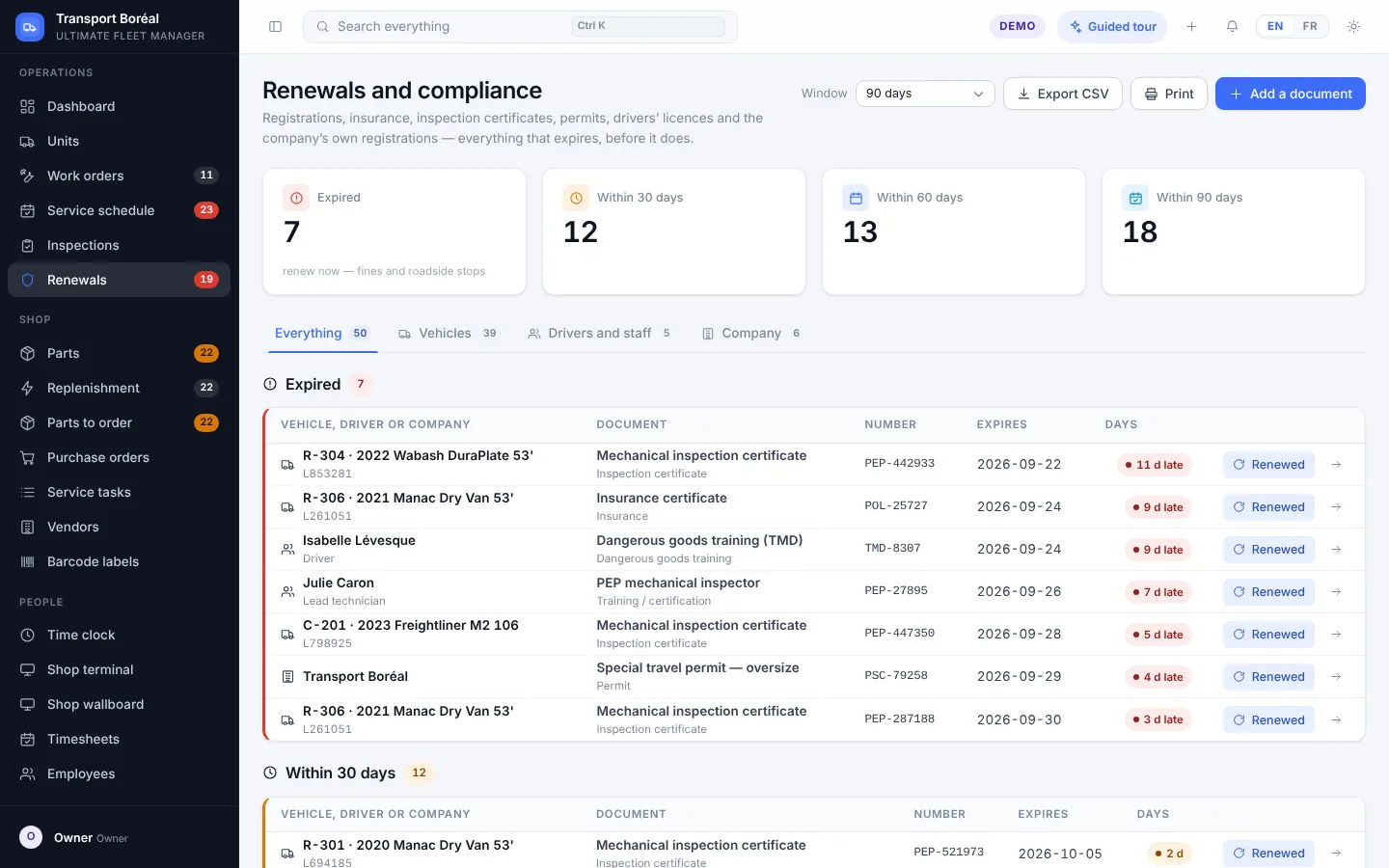
Plates, insurance, PEP certificates, IRP cab cards and IFTA decals for the trucks; licences, medical certificates and dangerous-goods training for the drivers; the company’s NIR, IFTA licence, CVOR and UCR. Everything that expires, in one list.
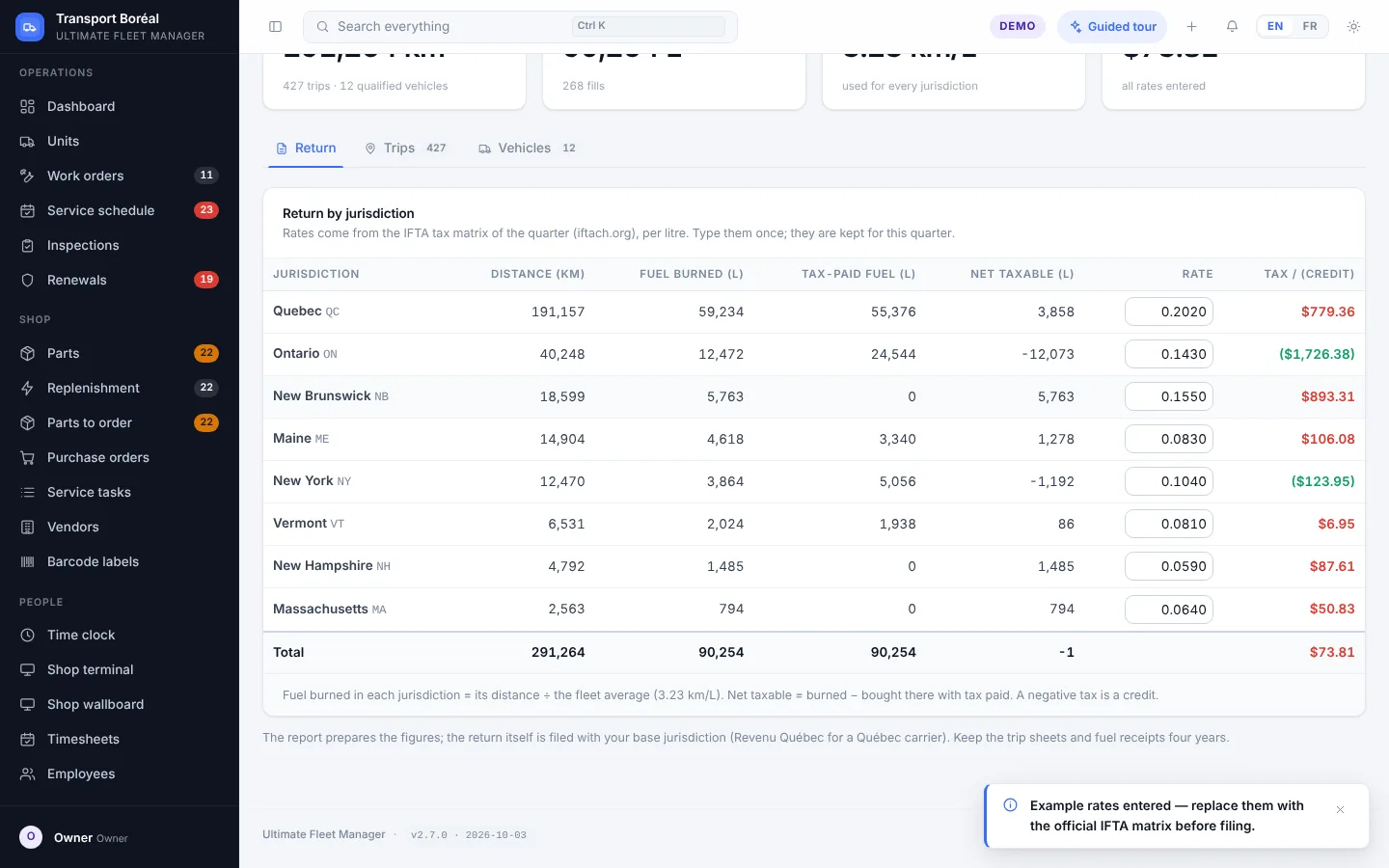
Distance by province and state comes from the trips, fuel from the card statements. The report works out the fuel burned, the tax-paid fuel bought and the tax or credit for each jurisdiction.
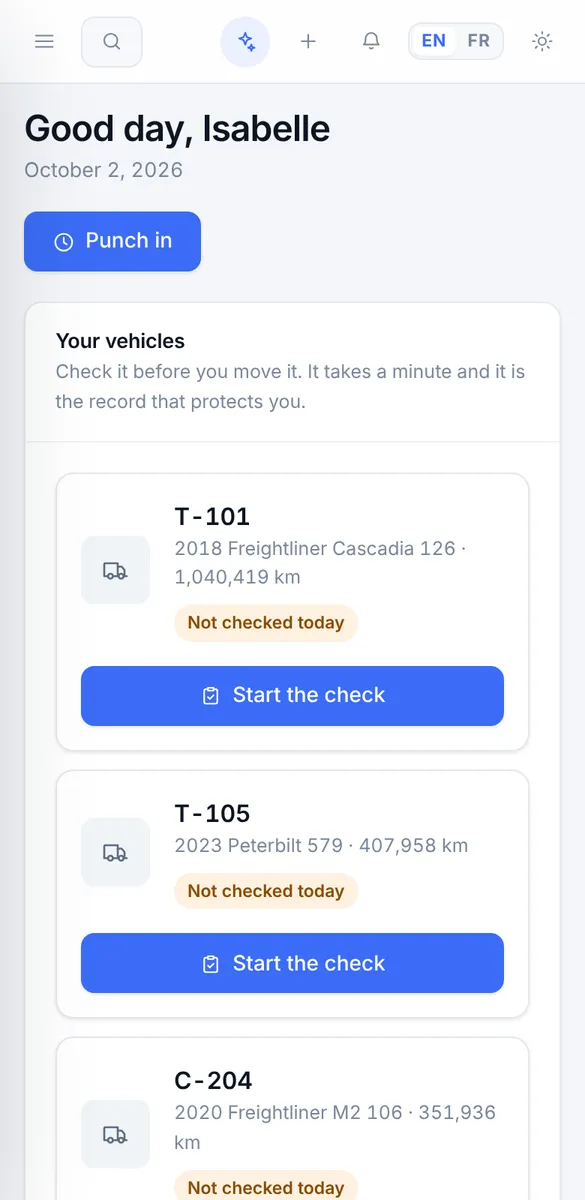
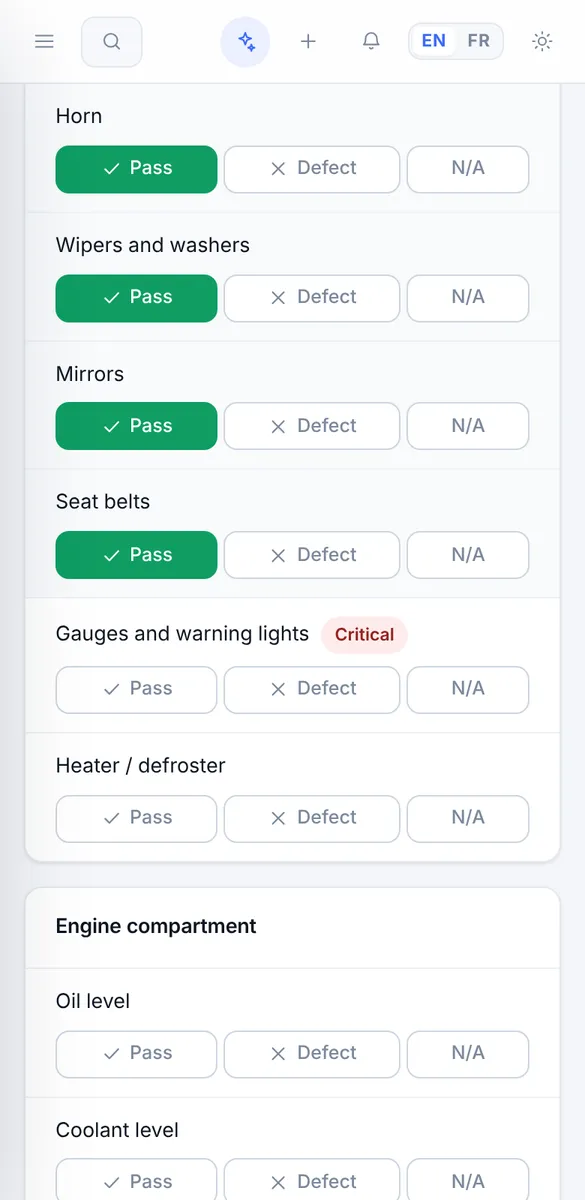
The pre-trip inspection is done on the phone, point by point. A defect opens a work order in the shop on the spot, and the mechanic sees it in their list — before the truck even arrives.
Move the sliders. Your numbers, your assumptions: nothing leaves this page.
An illustration only: the percentage is an assumption you choose, not a promise. Cost per kilometre includes maintenance, repairs, tires and fuel.
Tractors, straight trucks, trailers, equipment: full record, documents, plate and expiry.
Programs by km, hours or calendar; forecasts and work orders in one click.
Mechanical inspections, pre-trip inspections, defects that open a work order.
Complaint, cause, correction; labour, parts, outside work, printing.
Stock by site, min/max, replenishment, purchase orders, suppliers.
Card statements imported at once, consumption per unit, unusual fill-ups flagged.
Mechanics punch in with their employee number; timesheets ready for payroll.
Double-entry general ledger, payables, GST/QST, exports to Acomba.
Printable labels for every truck, every part and every employee.
Plates, insurance, permits, NIR, IFTA, CVOR: reminders at 90, 60 and 30 days.
Distance and fuel by province and state, tax or credit per jurisdiction, every quarter.
Connected to Geotab: odometers come in by themselves and maintenance follows real distance.
Every tire on an axle diagram, measurements, rotations, retreads and cost per 1,000 km.
Repairs a warranty should have paid for, flagged with the amount, and every claim followed.
The driver declares with photos; the claim is followed to the end; a report for the insurer.
Every roadside inspection, its defects and tickets, and an internal follow-up of the carrier's file.
Person in charge, each person's file, retention, incident register and access log.
One page a month: costs, availability, what happened and what is coming, by e-mail.
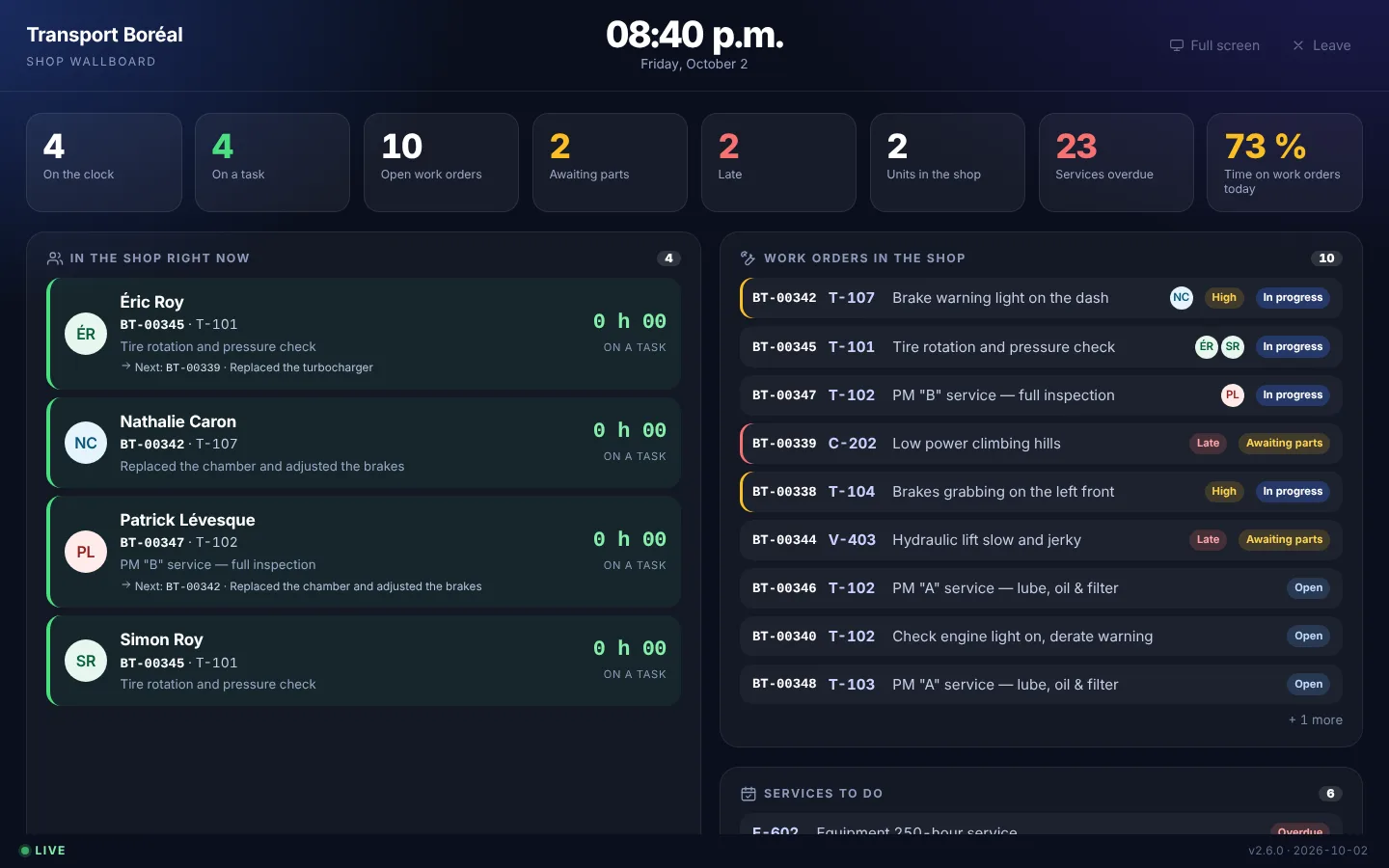
Who is on which unit and for how long, the open work orders, what is waiting for parts, the overdue services. It updates itself, without anybody touching a thing.
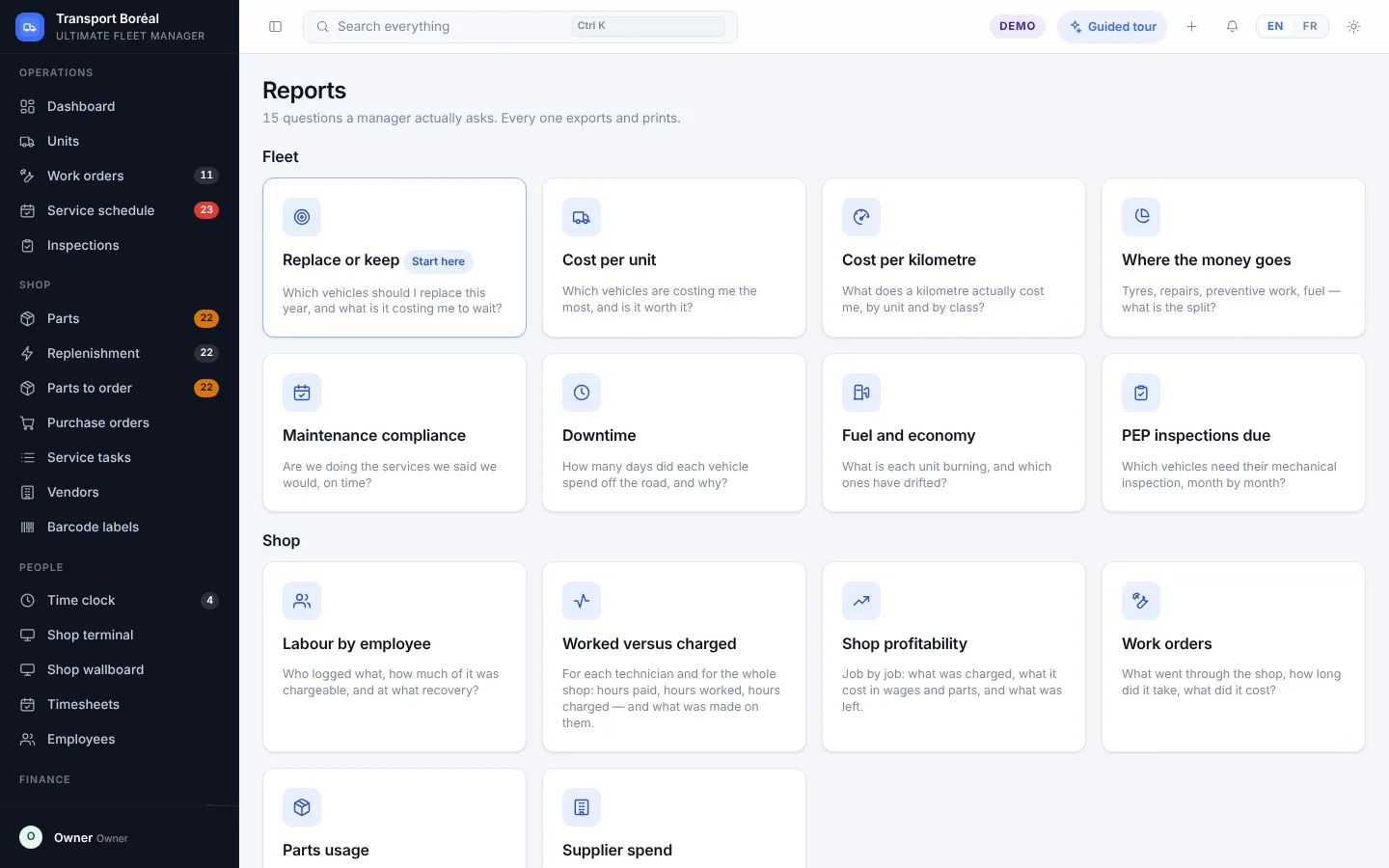
Cost per unit and per kilometre, where the money goes, maintenance compliance, downtime, fuel use, upcoming mechanical inspections, hours worked against hours charged. Every report exports and prints.
Every level sees a different app, on the same data. Pick a seat: the demo signs you in as that person and walks you through, screen by screen.
Every seat, one after the other — the whole fleet in one sitting.
Guided tourAvailability, maintenance, cost per kilometre, replace or keep.
Guided tourThe pre-trip inspection on the phone, before leaving.
Guided tourWho is on what, what is waiting, what goes out.
Guided tourTasks, punch, parts, photos — in the pocket.
Guided tourEmployee number, work order, that is all.
Guided tourStock, replenishment, purchase orders.
Guided tourThe books keep themselves; Acomba gets the export.
Guided tourThe data is fictional and stays in your browser. To start fresh, clear this site’s data in your browser.